QueryMax is a native macOS database client. Write SQL, run queries, browse schemas, and edit data. SQLite is free. Unlock MySQL and MariaDB for $19.99. Connections stay on your Mac.
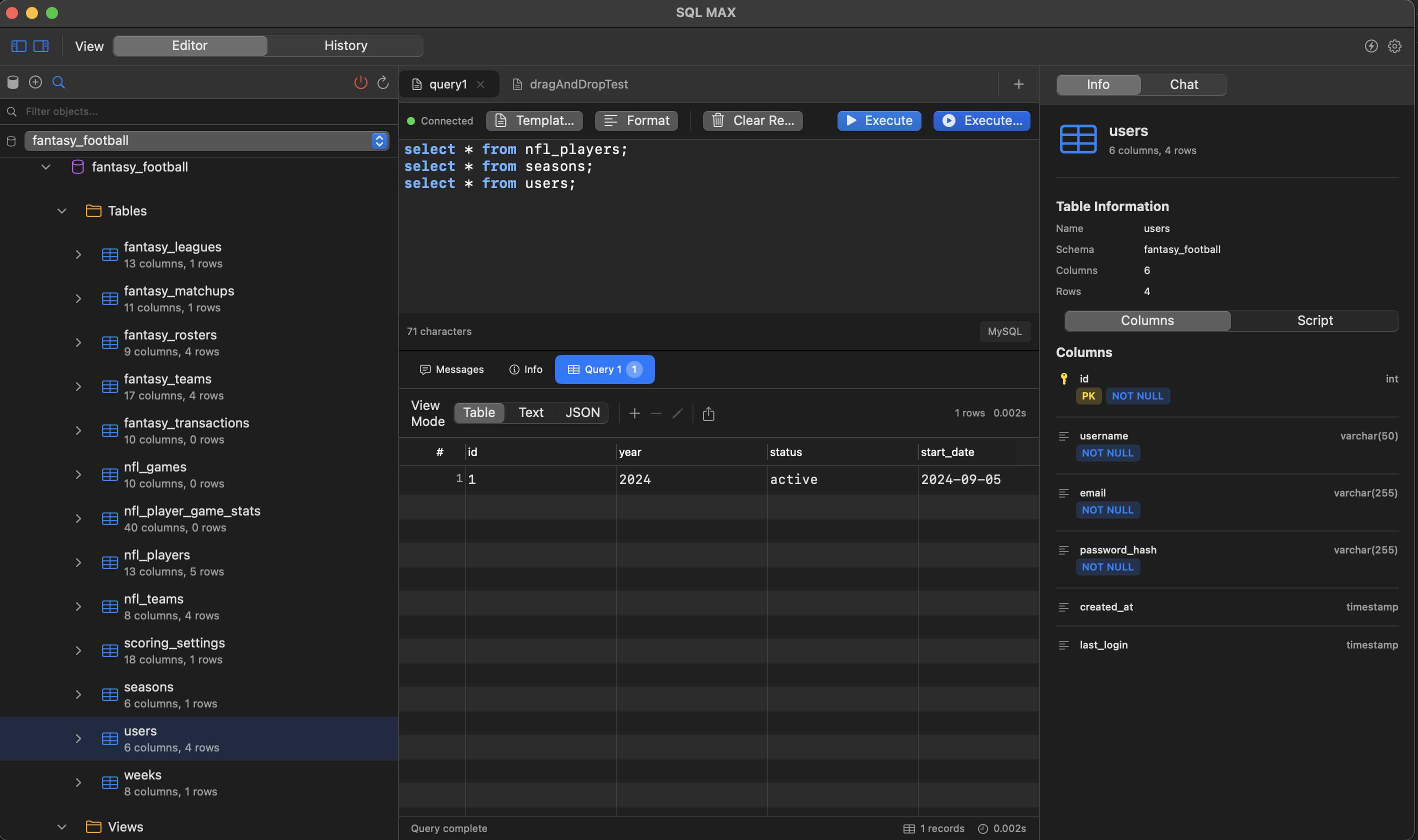
Write and run SQL against MySQL, MariaDB, and SQLite in a multi-tab Mac editor.
A Mac database client for the engines you actually use. Connections stay on your Mac.
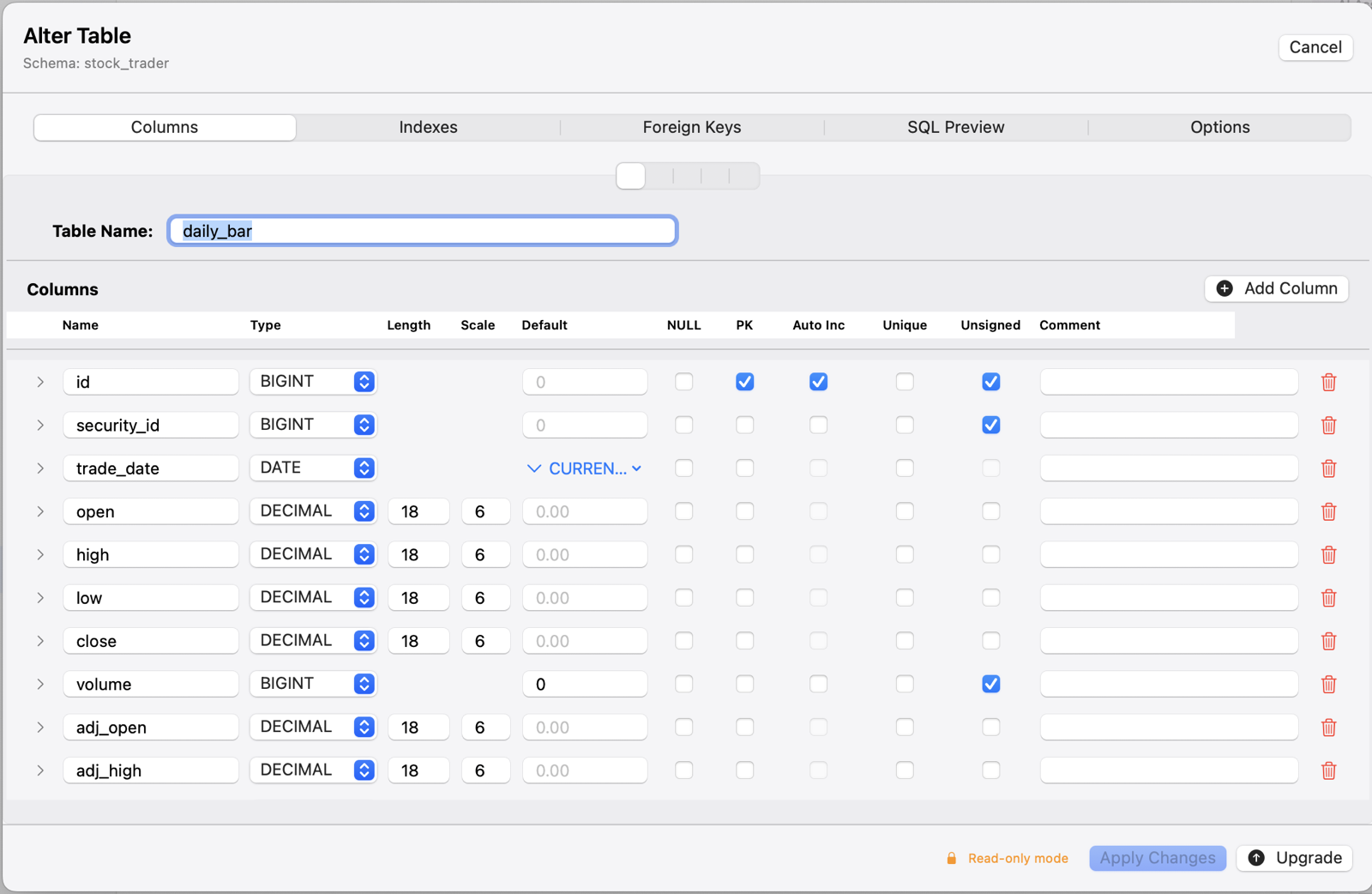
Edit data inline with type-specific controls.
Free. QueryMax is a full SQLite IDE: editor, diagrams, dashboards, exports, and local files. No subscription.
One-time unlock for full MySQL and MariaDB connections. Until you buy it, you can add one read-only schema to try the workflow.
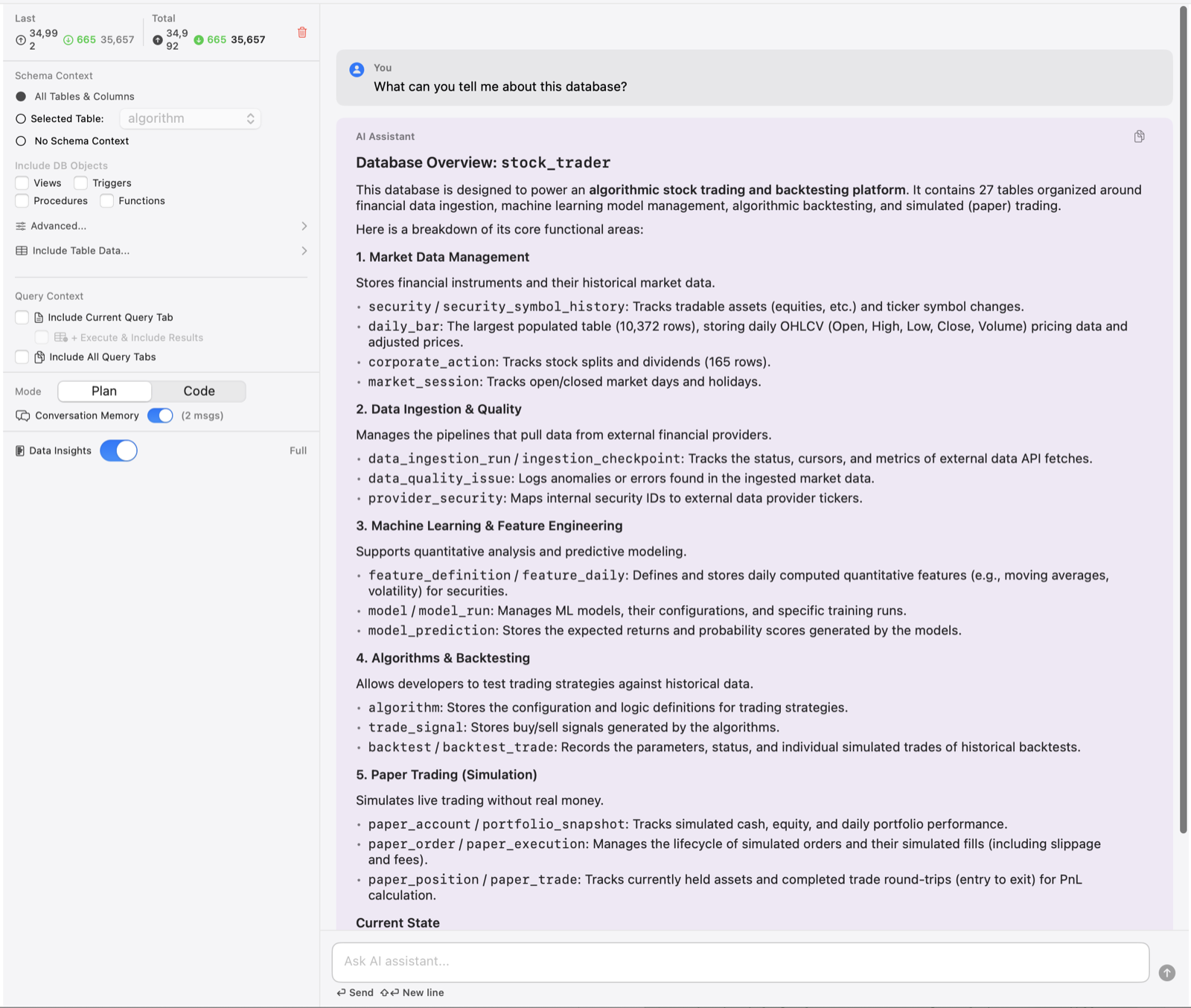
Built-in AI chat assistant for query help and database questions. Supports multiple providers like Google Gemini and Claude. Context-aware prompts understand your specific schema and table structures to give relevant answers.
Context-aware code completion for SQL keywords, tables, and columns. Visual completion window with metadata badges.
The AI doesn't just guess—it knows your database structure. It uses your actual table definitions, keys, and relationships to construct precise queries and explanations.
Design visual dashboards with drag-and-drop ease.
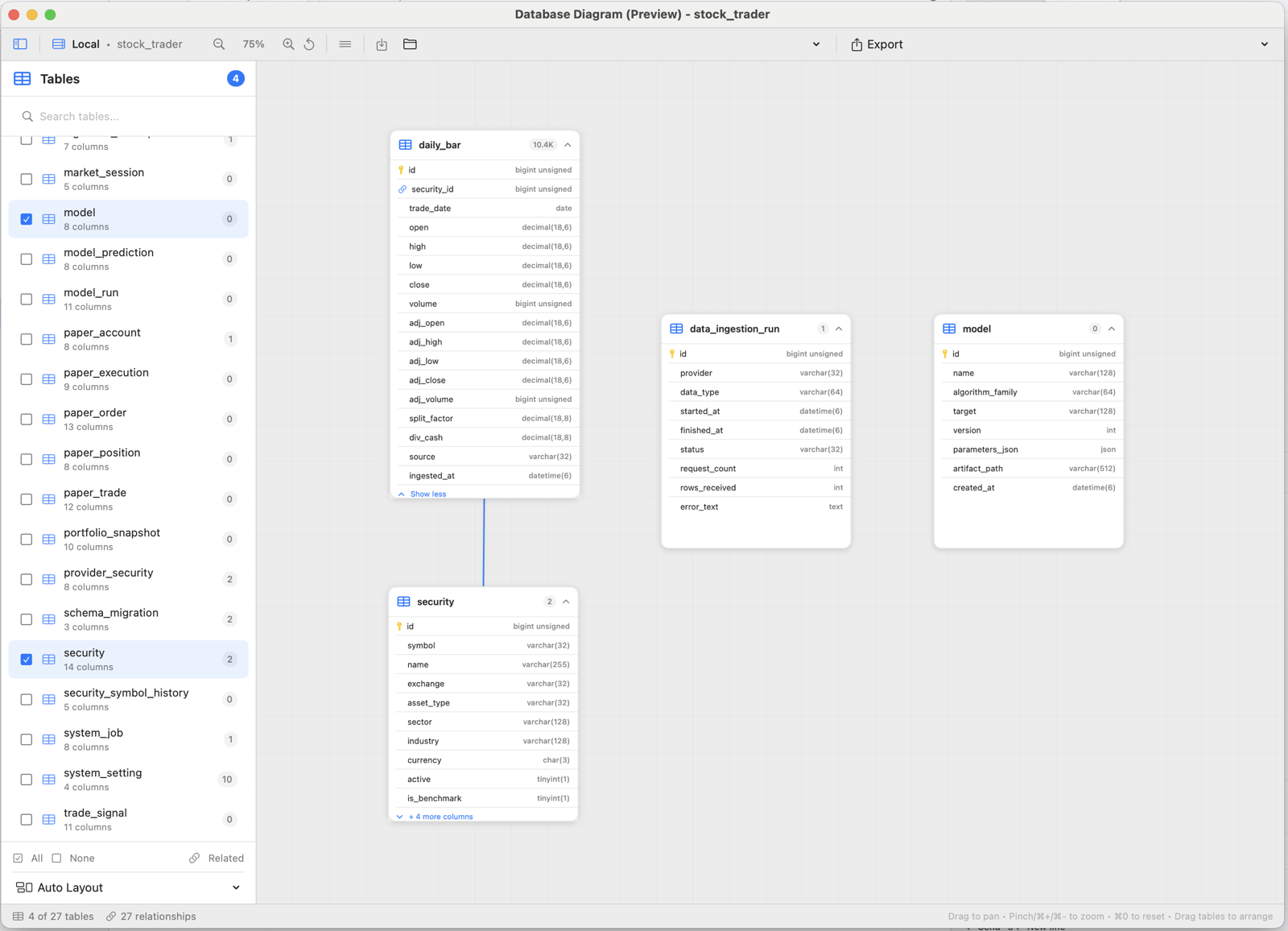
Visualize your schema relationships automatically.
Generate comprehensive documentation.
Database Engines
(MySQL, MariaDB, SQLite)
SwiftUI & SwiftData
Architecture
Secure Local
Storage
SQLite is free. MySQL and MariaDB are a one-time $19.99 unlock. If you do not unlock, you can add one read-only MySQL or MariaDB schema.
QueryMax is a native macOS database client for MySQL, MariaDB, and SQLite. SQLite is included. MySQL and MariaDB after the $19.99 unlock, or one read-only schema without it. Built-in SSH tunnels use a password (not a key or certificate). SSL/TLS to the database is supported. QueryMax connects from your Mac; we never see your traffic.
Yes. QueryMax is a native Mac SQL client. You write and run SQL queries, browse schemas, edit table data, and connect over SSH. It is a SQL editor and database client, not a drag-and-drop visual query builder.
See the Stackcommander homepage for TCFrameLock on Mac, plus Currency Converter + Widgets, Profit Forecast, and SVG Viewer on iOS.